My Images
Everything you keep, on whichever phone you sign in on.
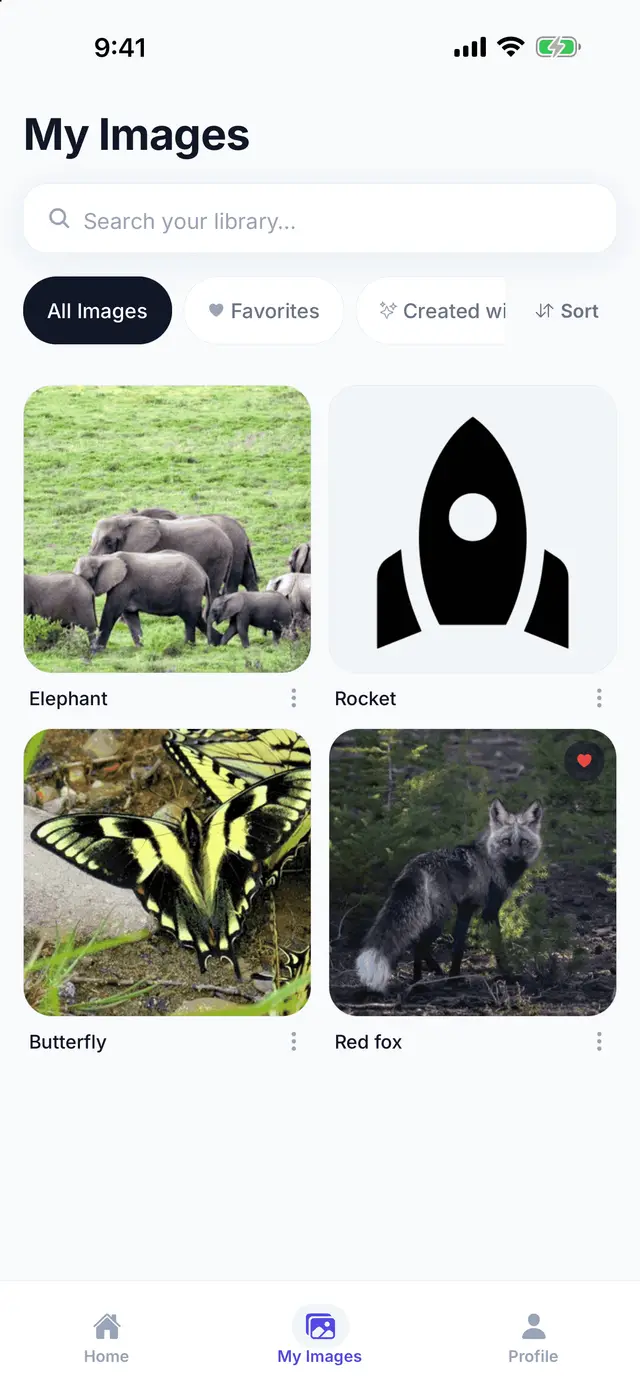
What it is
My Images is where a picture goes when you save it. Our server fetches the picture itself, keeps a full-size copy and a thumbnail, and holds them for your account — so the library is the same on any phone you sign in on, and a picture you saved last month is still there when the site it came from has moved on.
Saving is the one thing that needs an account. Searching, drawing and tracing work without one.
How it works
- Open a picture from search or from Create with AI and tap Save.
- Find it again in My Images. Switch between all your pictures, your favourites, and the ones you created with AI.
- Open it in Draw Mode or Trace Mode. How you had it set up last time is waiting for you.
Tips
- Rename a picture to whatever you will search for later. The library searches the name you gave it as well as the words you originally typed.
- Mark the ones you come back to as favourites — a half-finished drawing is easier to find in a short list.
- Pictures made with Create with AI have their own tab, so what you made stays separate from what you found.
- The free plan has a limit on how many pictures it keeps — the number is on the pricing page. Deleting one you have finished with makes room.
Where to next
- Safe image search, where the pictures come from.
- Create with AI, for the pictures that do not exist yet.
- What it costs.
Start drawing
Search, save, draw and trace are free. Get the app and find the first thing you want to draw.
Get the app